Games in this guide: Color Garage, Color Kingdom, Color Safari, Buddy Builder, Pair Patrol, Echo Lights, Spot It!, Word Hunt, Maze Mouse, Mole Bonk. All free to play in your browser.
Why it is worth a little thought
Young children love screens, and there are thousands of free games competing for their attention. Some are thoughtful and gentle. Others are built to keep children tapping, nudge them towards purchases or show them things they should not see. This guide covers what to look for, some screen-time ideas that work for many families, and how we approach flashcadia Kids.
What makes a game right for a young child
A good game for a young child is easy to understand without reading. Look for big buttons, clear pictures and instructions a child can follow by watching. If your child needs you to explain every screen, the game is probably aimed at someone older.
It should let children succeed. Young players need wins. Games that punish mistakes harshly, or that get hard very quickly, often end in frustration. The best ones let a child keep trying with no penalty, or let them choose an easier level.
It should have a calm pace. Many children's games are built around a simple, relaxed activity: colouring, matching, finding. These are great for young children. Fast reflex games are fine in small doses for slightly older kids.
It should build a skill. The best children's games quietly practise something: memory, letters, observation, planning or creativity. That is a nice bonus, though play does not have to be educational to be worthwhile.
Warning signs
Some features are worth avoiding for young children, or at least watching closely:
- Chat or messaging with other players. Young children should not be talking to strangers online.
- Requests for names, emails, photos, birthdays or locations.
- In-game purchases, loot boxes, or timers that pressure children to pay or come back.
- Ads that are hard to tell apart from the game, or that interrupt play constantly.
- Scary content, violence or themes aimed at teenagers and adults.
- Endless reward loops designed to stop children putting the game down.
Screen-time ideas that work
Every family is different, and there is no single right amount. Health bodies such as the World Health Organization and the American Academy of Pediatrics suggest that for children aged two to five, screen time should be limited (around an hour a day is a common guide) and of good quality, ideally shared with a grown-up. Here are some ideas many parents find helpful:
- Play together when you can. Talk about what is happening. A spot-the-difference game becomes a conversation: what is different? what colour is it?
- Agree on a clear end point before you start, such as one picture, three rounds or until the timer goes. Ending at a natural stopping point avoids meltdowns.
- Give a warning before the end: two more rounds, then we stop.
- Keep screens out of bedtime routines and mealtimes.
- Balance screen play with physical play, reading and time outdoors.
- Choose games with natural endings over games designed to go on forever.
Online safety basics
For young children, the safest setup is simple. Sit nearby so you can see the screen. Use sites made for children where possible. Teach them to come and find you if something unexpected pops up, rather than tapping it.
Ads are worth a word. Even on child-safe sites, an ad may lead to another website. It helps to explain to children that ads are not part of the game, and that they should ask you before tapping one.
What flashcadia Kids does
flashcadia Kids is the part of flashcadia made for young children. Here is how it is designed:
- No chat, no accounts and no sign-up. Nothing asks for a name, email or photo.
- Progress, like a saved buddy or a finished picture, stays only in your own browser on your own device.
- Ads on Kids pages are requested as child-directed and non-personalised, so they are not based on a profile of your child.
- Big, friendly buttons that work with a finger on a tablet or phone, and a mouse or keyboard on a computer.
- Bright, cheerful art with nothing scary.
- Everything runs in the browser. There is nothing to download and nothing to buy.
The games, and what they practise
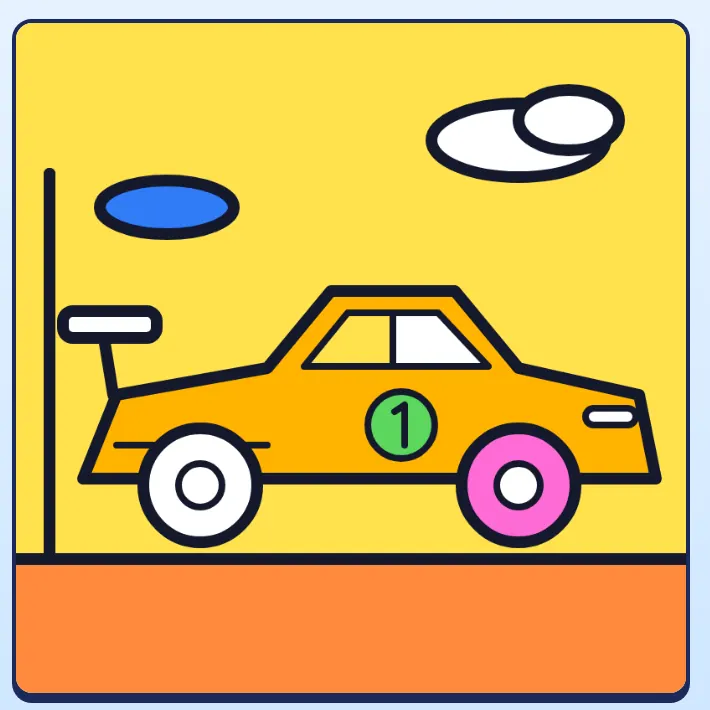
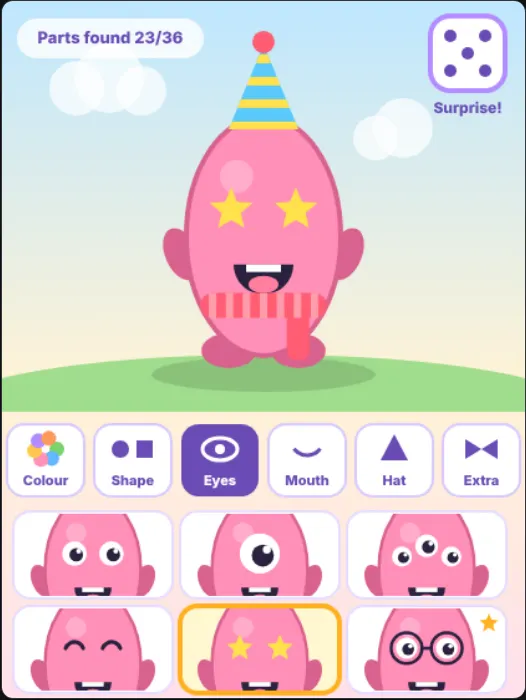
Creativity: Color Garage, Color Kingdom and Color Safari are colouring games with vehicles, castles and animals. Children tap to fill, use a brush for small bits, add glitter and save their picture. Buddy Builder lets children make a funny character by mixing shapes, eyes, hats and extras, with a Surprise button for silly results.
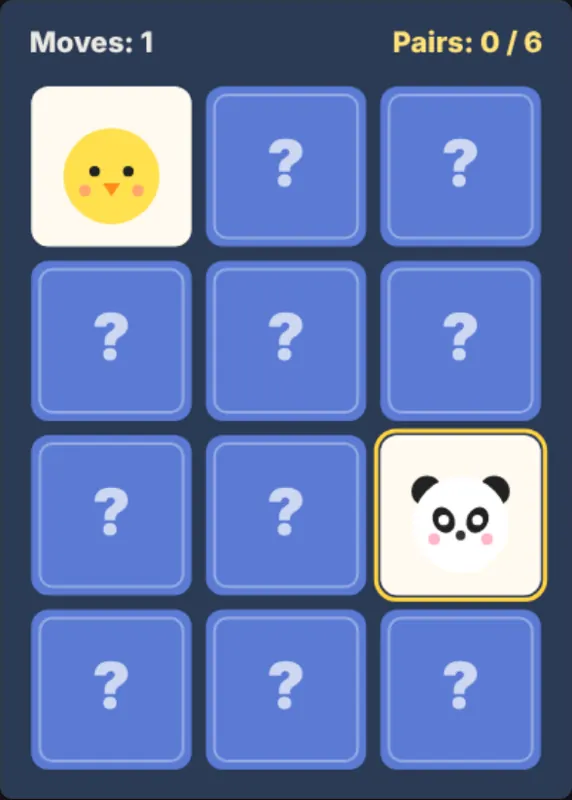
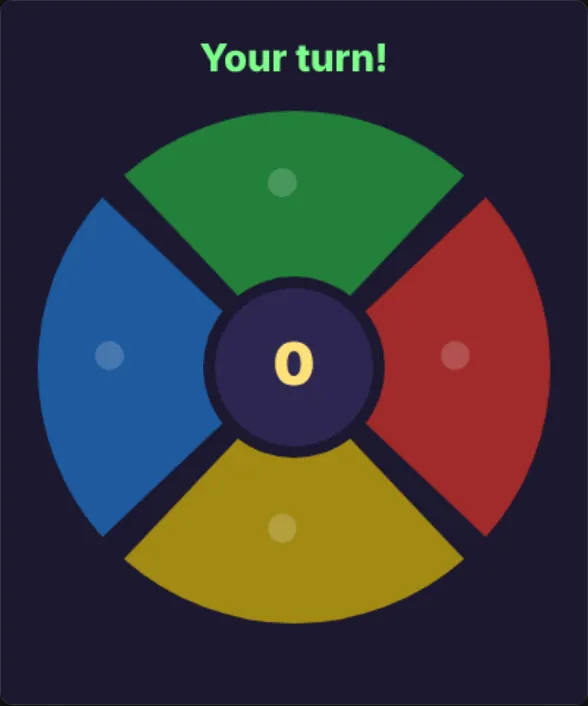
Memory: Pair Patrol is a card-matching game with small, medium and big boards, so you can start easy. Echo Lights shows a pattern of coloured lights that children copy, and it gets one step longer each round.
Observation: Spot It! shows two pictures with three big differences. There is no timer and no penalty for wrong taps, so children can look for as long as they like.
Letters and words: Word Hunt hides animals, colours and foods in a letter grid. It is lovely for early readers, especially with a grown-up helping.
Planning and quick fingers: Maze Mouse asks children to guide a mouse to the cheese before a timer runs out, with mazes that grow each level. Mole Bonk is a 60-second whack-a-mole round. These two have timers, so they suit children who enjoy a little challenge.
Choosing by age
For the youngest players, start with colouring, Buddy Builder and Spot It!. They have no time pressure and no wrong answers. As children grow, Pair Patrol on a small board, Echo Lights and Word Hunt add gentle challenge. Maze Mouse and Mole Bonk are good next steps for children who enjoy beating a timer.
When children are ready for more, the main flashcadia site has games for older players. We suggest younger children stay in the Kids section, where everything is designed with them in mind.
Ready to try it? Play Color Garage, Color Kingdom, Color Safari, Buddy Builder, Pair Patrol, Echo Lights, Spot It!, Word Hunt, Maze Mouse and Mole Bonk free on flashcadia, with nothing to download.